Voice Journaling: A Short Reflection You Can Revisit
Choose between speaking and typing, try a short spoken reflection, and check a transcript before relying on it. Includes prompts, privacy considerations, and Youp's recording workflow.
Youp ·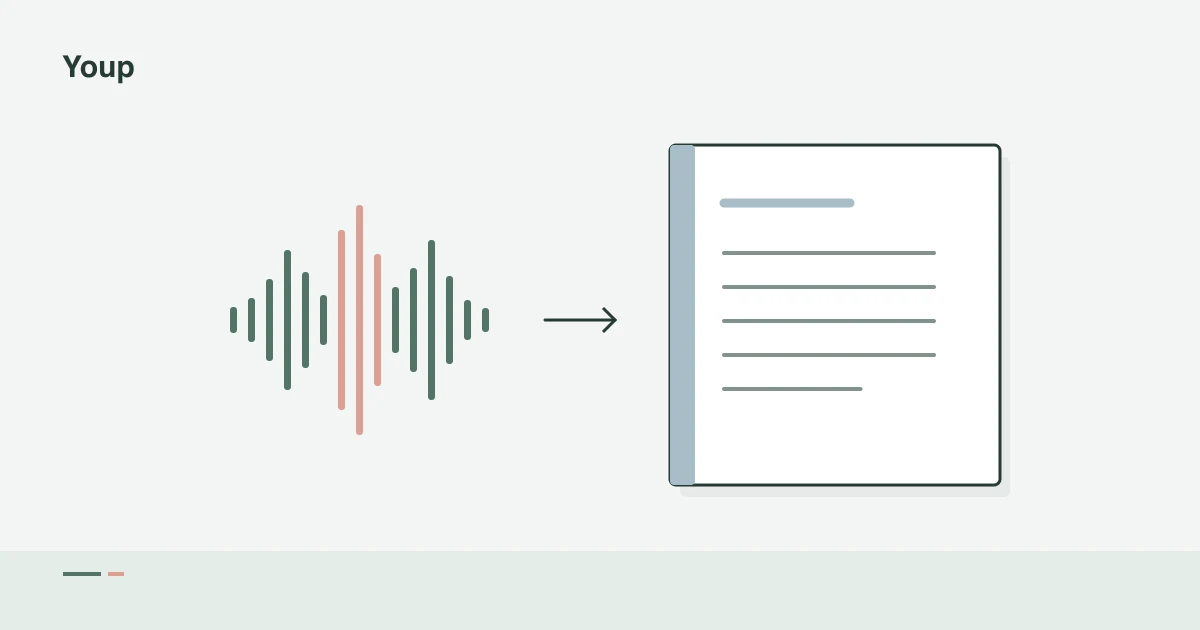
Choose speaking or typing for this moment
Voice journaling means speaking a reflection instead of typing it. Try it when a blank page slows you down or a thought is easier to say than compose. Choose one event, not your entire day. A minute can be enough; stopping mid-thought is allowed.
Typing may suit you better in a shared room, when speaking is uncomfortable, or when you want precise wording from the start. Neither format is a better journal. You can speak one day and type the next without maintaining two separate habits.
Try a short spoken reflection
This is an illustrative example, not a real user's entry or a script to perform: 'The meeting ended before I asked my question. I felt overlooked, but I don't know whether anyone noticed my raised hand. Tomorrow I'll send the question in writing. Tonight I don't need to rehearse the whole meeting again.'
Notice the sequence: an event, a feeling, something uncertain, and a possible next step. Use whichever parts help. Pauses and unfinished sentences are fine. If a minute feels long, simply say what happened and what you need now.
Pick one of these three prompts
Read one question before recording. Answer with a specific moment rather than a verdict about your character or your whole week. You do not need to answer all three.
If you start repeating yourself, end with one sentence you want to find later. An unresolved observation is useful too; you do not owe the recording a positive ending.
- What happened today, and what am I assuming about it?
- When did I feel more or less at ease, and what was different then?
- What small request, boundary, or action would I like to consider tomorrow?
Review the transcript before relying on it
Start by checking names, dates, and missing negatives: 'I did not agree' differs from 'I agreed.' A transcript can also miss tone; consider whether you were joking or uncertain when that affects the meaning. With other tools, check whether text editing is supported before planning to revise a transcript.
Youp transcribes your recording and saves the entry when you stop it. Check the resulting text before relying on an AI reflection based on it; transcription can miss words. If an important error remains, set aside conclusions that depend on it rather than treating them as something you actually said.
Check your surroundings and microphone
Choose a place where speaking will not expose details to people nearby. A headset microphone does not make your voice inaudible to others. Avoid recording other people's conversations; leave out names or sensitive details you do not need. Read the service's privacy and retention information before sharing personal material.
Check microphone permission and the selected input before a personal entry. For an unfamiliar setup, test with a neutral sentence. Background noise, distance, and overlapping voices can affect transcription. If permission is denied or the room is unsuitable, type instead; the reflection does not have to wait for perfect audio.
When Youp fits your routine
Youp fits when you want recorded input turned into text for reflection. Voice reflections are recording plus transcription, not a live AI voice conversation or passive background listening. Memory is optional and used when enabled.
Explore the voice feature to decide whether this workflow suits you, or use the related habit guide to keep entries manageable. These prompts also work in a notebook or another tool. A subscription is required after onboarding, including for access to voice reflections; check the current terms before deciding.